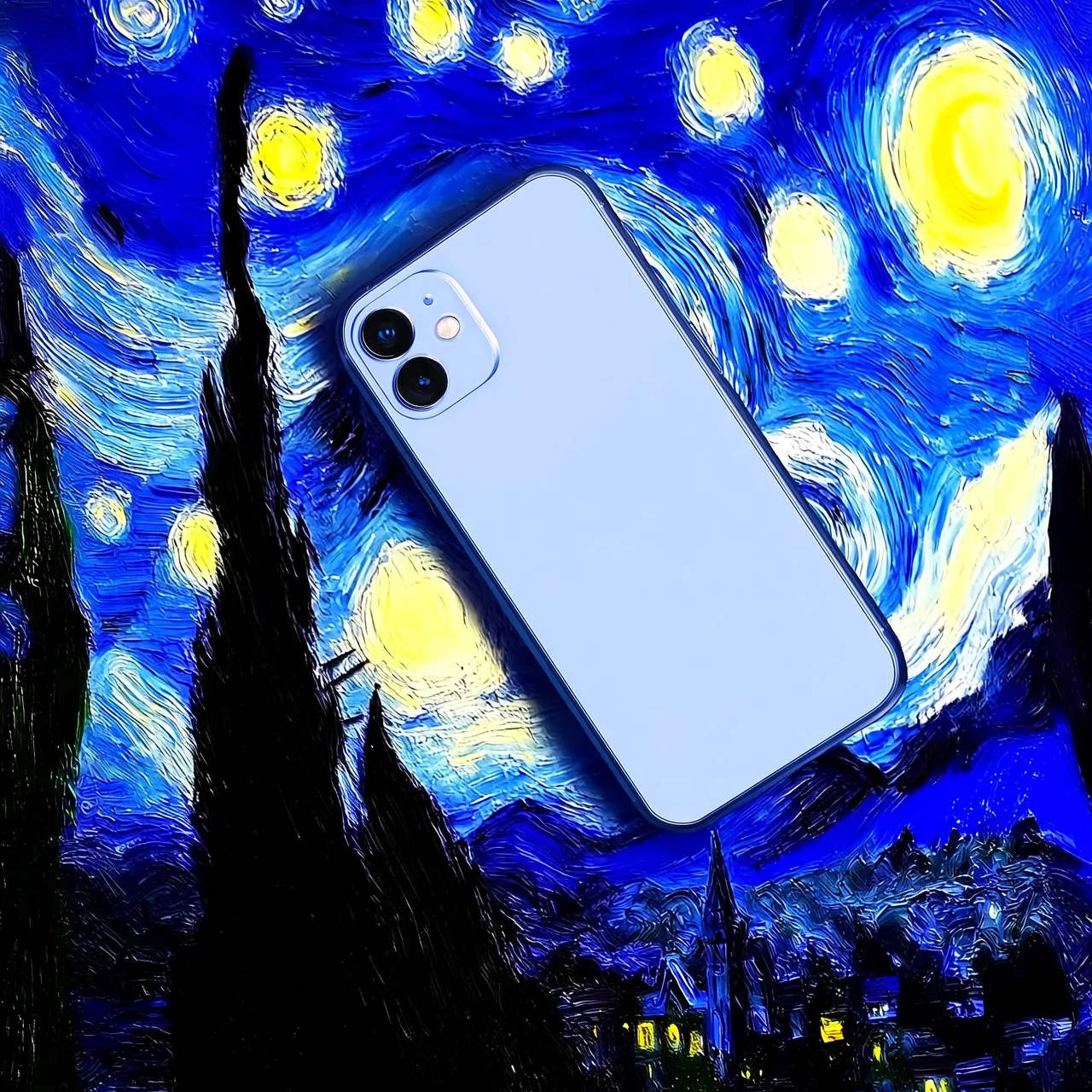
Image editing

Image editing - Wan2.7 / 2.6 / 2.5

Multi-image edit and fuse

Getting started

Prerequisites

Before making a call, get an API key and set it as an environment variable. To use the SDK, install it.

Example code

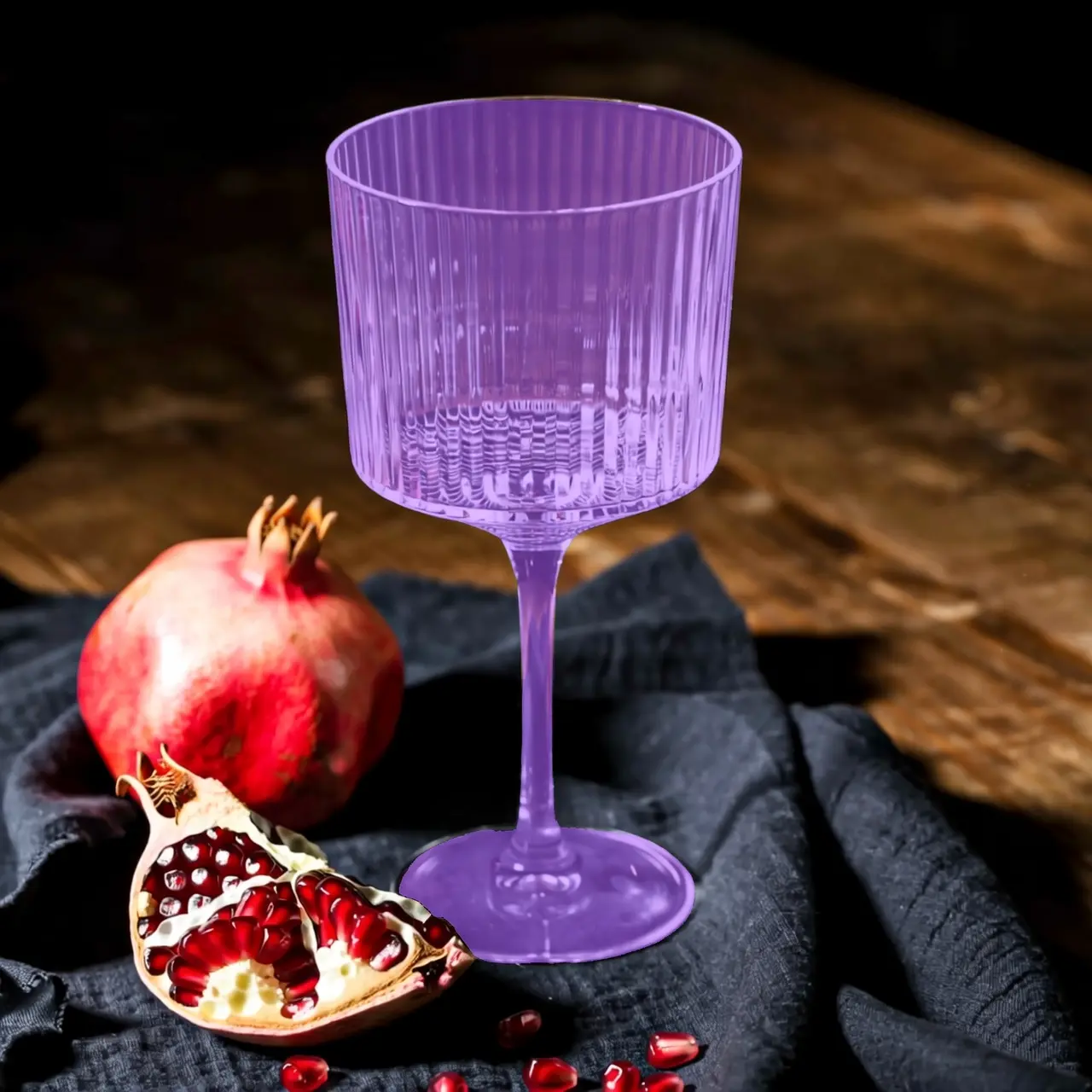
This example shows multi-image editing. Pass two images in the content array along with a text prompt. The model outputs an edited image.
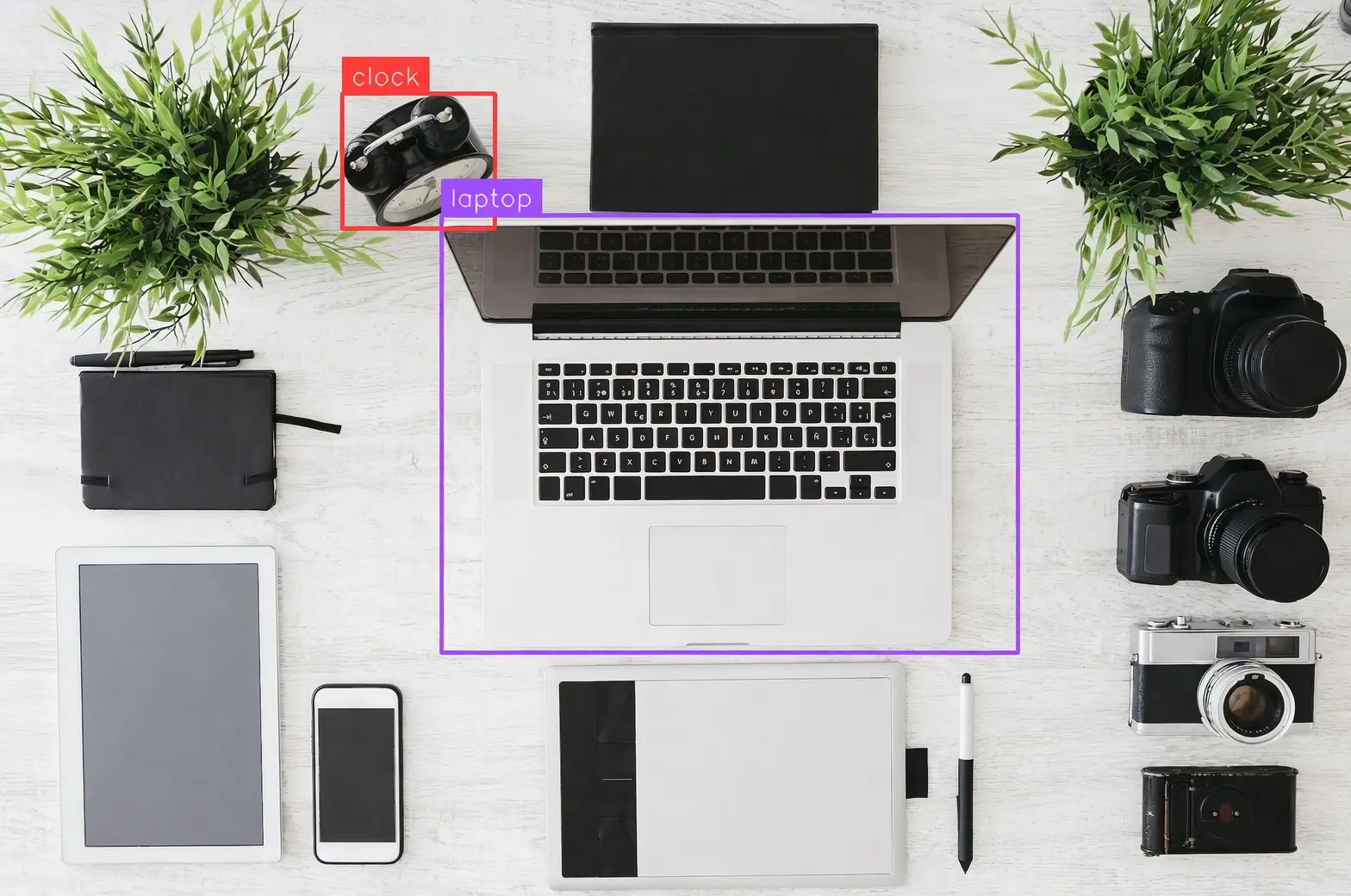
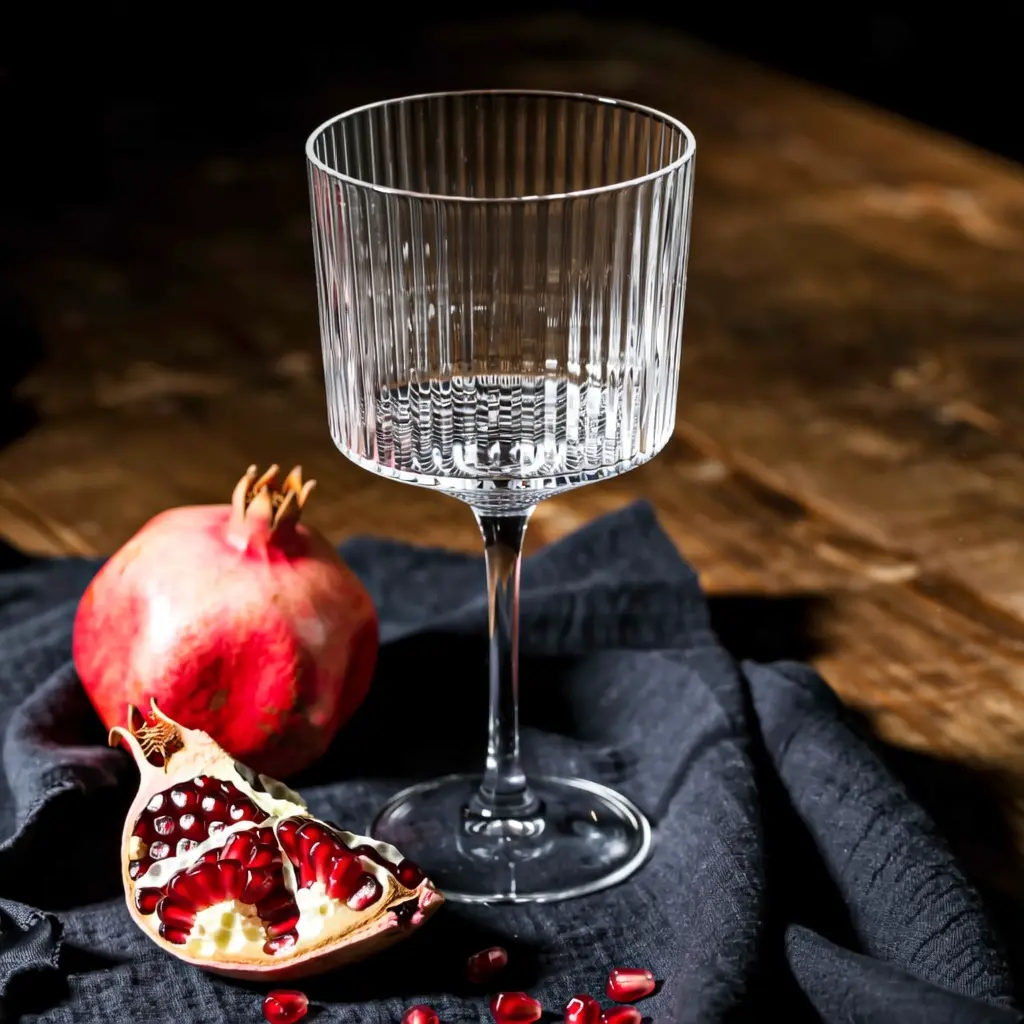
Input prompt: Place the alarm clock from image 1 next to the vase on the dining table in image 2.
Input image 1Input image 2Output image
Input image 1
Input image 2
Output image
  • Synchronous
  • Asynchronous
Ensure that the DashScope Python SDK is version 1.25.15 or later and the DashScope Java SDK is version 2.22.13 or later.Outdated versions may trigger errors. Install or upgrade the SDK.
Request example
import os
import dashscope
from dashscope.aigc.image_generation import ImageGeneration
from dashscope.api_entities.dashscope_response import Message

# SDK version >= 1.25.15 required
dashscope.base_http_api_url = 'https://dashscope-intl.aliyuncs.com/api/v1'

# If you have not configured an environment variable, replace the following line with your API key: api_key="sk-xxx"
api_key = os.getenv("DASHSCOPE_API_KEY")

message = Message(
  role="user",
  # Supports local files, e.g., "image": "file://image.webp"
  content=[
    {"image": "https://img.alicdn.com/imgextra/i3/O1CN0157XGE51l6iL9441yX_!!6000000004770-49-tps-1104-1472.webp"},
    {"image": "https://img.alicdn.com/imgextra/i3/O1CN01SfG4J41UYn9WNt4X1_!!6000000002530-49-tps-1696-960.webp"},
    {"text": "Place the alarm clock from Image 1 next to the vase on the dining table in Image 2."}
  ]
)

print("----sync call, please wait a moment----")
rsp = ImageGeneration.call(
  model='wan2.7-image-pro',
  api_key=api_key,
  messages=[message],
  n=1,
  size="2K",
  watermark=False
)

print(rsp)
Response example
The URL is valid for 24 hours. Download the image promptly.
{
  "output": {
    "choices": [
      {
        "finish_reason": "stop",
        "message": {
          "role": "assistant",
          "content": [
            {
              "image": "https://dashscope-result-intl.oss-cn-singapore.aliyuncs.com/xxx.png?Expires=xxx",
              "type": "image"
            }
          ]
        }
      }
    ],
    "finished": true
  },
  "usage": {
    "image_count": 1,
    "input_tokens": 18790,
    "output_tokens": 2,
    "total_tokens": 18792,
    "size": "1360*770"
  },
  "request_id": "8ad45834-4321-44ed-adf5-xxxxxx"
}
To use Wan2.6 instead of Wan2.7, change the model parameter from wan2.7-image-pro to wan2.6-image. The API structure is the same.
Ensure that the DashScope Python SDK is version 1.25.2 or later and the DashScope Java SDK is version 2.22.2 or later.Outdated versions may trigger errors, such as "url error, please check url!". Install or upgrade the SDK.
Synchronous request example
import base64
import mimetypes
from http import HTTPStatus
from urllib.parse import urlparse, unquote
from pathlib import PurePosixPath

import dashscope
import requests
from dashscope import ImageSynthesis
import os

dashscope.base_http_api_url = 'https://dashscope-intl.aliyuncs.com/api/v1'

# If you have not configured an environment variable, replace the following line with your API key: api_key="sk-xxx"
api_key = os.getenv("DASHSCOPE_API_KEY")

# --- Image input: Use Base64 encoding ---
# The Base64 encoding format is data:{MIME_type};base64,{base64_data}
def encode_file(file_path):
  mime_type, _ = mimetypes.guess_type(file_path)
  if not mime_type or not mime_type.startswith("image/"):
    raise ValueError("Unsupported or unrecognized image format")
  with open(file_path, "rb") as image_file:
    encoded_string = base64.b64encode(image_file.read()).decode('utf-8')
  return f"data:{mime_type};base64,{encoded_string}"

"""
Image input methods:
Choose one of the following three methods.

1. Use a public URL - Suitable for publicly accessible images.
2. Use a local file - Suitable for local development and testing.
3. Use Base64 encoding - Suitable for private images or scenarios that require encrypted transmission.
"""

# [Method 1] Use a public image URL
image_url_1 = "https://img.alicdn.com/imgextra/i3/O1CN0157XGE51l6iL9441yX_!!6000000004770-49-tps-1104-1472.webp"
image_url_2 = "https://img.alicdn.com/imgextra/i3/O1CN01SfG4J41UYn9WNt4X1_!!6000000002530-49-tps-1696-960.webp"

# [Method 2] Use a local file (supports absolute and relative paths)
# Format requirement: file:// + file path
# Example (absolute path):
# image_url_1 = "file://" + "/path/to/your/image_1.png"     # Linux/macOS
# image_url_2 = "file://" + "C:/path/to/your/image_2.png"  # Windows
# Example (relative path):
# image_url_1 = "file://" + "./image_1.png"                 # Use your actual path
# image_url_2 = "file://" + "./image_2.png"                # Use your actual path

# [Method 3] Use a Base64-encoded image
# image_url_1 = encode_file("./image_1.png")               # Use your actual path
# image_url_2 = encode_file("./image_2.png")              # Use your actual path

print('----sync call, please wait a moment----')
rsp = ImageSynthesis.call(api_key=api_key,
                          model="wan2.5-i2i-preview",
                          prompt="Place the alarm clock from Image 1 next to the vase on the dining table in Image 2.",
                          images=[image_url_1, image_url_2],
                          negative_prompt="",
                          n=1,
                          # size="1280*1280",
                          prompt_extend=True,
                          watermark=False,
                          seed=12345)
print('response: %s' % rsp)
if rsp.status_code == HTTPStatus.OK:
  # Save the image in the current directory
  for result in rsp.output.results:
    file_name = PurePosixPath(unquote(urlparse(result.url).path)).parts[-1]
    with open('./%s' % file_name, 'wb+') as f:
      f.write(requests.get(result.url).content)
else:
  print('sync_call Failed, status_code: %s, code: %s, message: %s' %
          (rsp.status_code, rsp.code, rsp.message))
Asynchronous request example
import os
from http import HTTPStatus
from urllib.parse import urlparse, unquote
from pathlib import PurePosixPath
import dashscope
import requests
from dashscope import ImageSynthesis

dashscope.base_http_api_url = 'https://dashscope-intl.aliyuncs.com/api/v1'

# If you have not configured an environment variable, replace the following line with your API key: api_key="sk-xxx"
api_key = os.getenv("DASHSCOPE_API_KEY")

# Use a public image URL
image_url_1 = "https://img.alicdn.com/imgextra/i3/O1CN0157XGE51l6iL9441yX_!!6000000004770-49-tps-1104-1472.webp"
image_url_2 = "https://img.alicdn.com/imgextra/i3/O1CN01SfG4J41UYn9WNt4X1_!!6000000002530-49-tps-1696-960.webp"


def async_call():
  print('----create task----')
  task_info = create_async_task()
  print('----wait task----')
  wait_async_task(task_info)


# Create an asynchronous task
def create_async_task():
  rsp = ImageSynthesis.async_call(api_key=api_key,
                  model="wan2.5-i2i-preview",
                  prompt="Place the alarm clock from Image 1 next to the vase on the dining table in Image 2.",
                  images=[image_url_1, image_url_2],
                  negative_prompt="",
                  n=1,
                  # size="1280*1280",
                  prompt_extend=True,
                  watermark=False,
                  seed=12345)
  print(rsp)
  if rsp.status_code == HTTPStatus.OK:
    print(rsp.output)
  else:
    print('Failed, status_code: %s, code: %s, message: %s' %
              (rsp.status_code, rsp.code, rsp.message))
  return rsp


# Wait for the asynchronous task to complete
def wait_async_task(task):
  rsp = ImageSynthesis.wait(task=task, api_key=api_key)
  print(rsp)
  if rsp.status_code == HTTPStatus.OK:
    print(rsp.output)
    # save file to current directory
    for result in rsp.output.results:
      file_name = PurePosixPath(unquote(urlparse(result.url).path)).parts[-1]
      with open('./%s' % file_name, 'wb+') as f:
        f.write(requests.get(result.url).content)
  else:
    print('Failed, status_code: %s, code: %s, message: %s' %
              (rsp.status_code, rsp.code, rsp.message))


# Get asynchronous task information
def fetch_task_status(task):
  status = ImageSynthesis.fetch(task=task, api_key=api_key)
  print(status)
  if status.status_code == HTTPStatus.OK:
    print(status.output.task_status)
  else:
    print('Failed, status_code: %s, code: %s, message: %s' %
              (status.status_code, status.code, status.message))


# Cancel the asynchronous task. Only tasks in the PENDING state can be canceled.
def cancel_task(task):
  rsp = ImageSynthesis.cancel(task=task, api_key=api_key)
  print(rsp)
  if rsp.status_code == HTTPStatus.OK:
    print(rsp.output.task_status)
  else:
    print('Failed, status_code: %s, code: %s, message: %s' %
              (rsp.status_code, rsp.code, rsp.message))


if __name__ == '__main__':
  async_call()
  • For asynchronous invocations, you must set the X-DashScope-Async header parameter to enable.
  • The task_id for an asynchronous task is valid for queries for 24 hours. After this period, the task status changes to UNKNOWN.
Synchronous response example
The URL is valid for 24 hours. Download the image promptly.
{
  "status_code": 200,
  "request_id": "8ad45834-4321-44ed-adf5-xxxxxx",
  "code": null,
  "message": "",
  "output": {
    "task_id": "3aff9ebd-35fc-4339-98a3-xxxxxx",
    "task_status": "SUCCEEDED",
    "results": [
      {
        "url": "https://dashscope-result-sh.oss-cn-shanghai.aliyuncs.com/xxx.png?Expires=xxx",
        "orig_prompt": "Place the alarm clock from Image 1 next to the vase on the dining table in Image 2.",
        "actual_prompt": "Place the blue alarm clock from Image 1 to the right of the vase on the dining table in Image 2, near the edge of the tablecloth. Keep the alarm clock facing the camera, parallel to the table, with its shadow naturally cast on the table."
      }
    ],
    "submit_time": "2025-10-23 16:18:16.009",
    "scheduled_time": "2025-10-23 16:18:16.040",
    "end_time": "2025-10-23 16:19:09.591",
    "task_metrics": {
      "TOTAL": 1,
      "FAILED": 0,
      "SUCCEEDED": 1
    }
  },
  "usage": {
    "image_count": 1
  }
}
Asynchronous response examples
  1. Response example for a task creation request
{
  "status_code": 200,
  "request_id": "31b04171-011c-96bd-ac00-f0383b669cc7",
  "code": "",
  "message": "",
  "output": {
    "task_id": "4f90cf14-a34e-4eae-xxxxxxxx",
    "task_status": "PENDING",
    "results": []
  },
  "usage": null
}
  1. Response example for a task query request
The URL is valid for 24 hours. Download the image promptly.
{
  "status_code": 200,
  "request_id": "8ad45834-4321-44ed-adf5-xxxxxx",
  "code": null,
  "message": "",
  "output": {
    "task_id": "3aff9ebd-35fc-4339-98a3-xxxxxx",
    "task_status": "SUCCEEDED",
    "results": [
      {
        "url": "https://dashscope-result-sh.oss-cn-shanghai.aliyuncs.com/xxx.png?Expires=xxx",
        "orig_prompt": "Place the alarm clock from Image 1 next to the vase on the dining table in Image 2.",
        "actual_prompt": "Place the blue alarm clock from Image 1 to the right of the vase on the dining table in Image 2, near the edge of the tablecloth. Keep the alarm clock facing the camera, parallel to the table, with its shadow naturally cast on the table."
      }
    ],
    "submit_time": "2025-10-23 16:18:16.009",
    "scheduled_time": "2025-10-23 16:18:16.040",
    "end_time": "2025-10-23 16:19:09.591",
    "task_metrics": {
      "TOTAL": 1,
      "FAILED": 0,
      "SUCCEEDED": 1
    }
  },
  "usage": {
    "image_count": 1
  }
}

Model availability

For model details and pricing, see Image models.

Input parameters

Input images (images)

images is an array of input images for editing or fusion. The number of images and constraints vary by model:
ConstraintWan2.7Wan2.6Wan2.5
Max input images943
Resolution (per side)240 - 8,000 px240 - 8,000 px384 - 5,000 px
Max file size20 MB10 MB10 MB
Prompt max length5,000 chars2,000 chars2,000 chars
  • Image format: JPEG, JPG, PNG (alpha channels are ignored), BMP, and WEBP are supported.
// This example only shows the structure of the images field. The input contains 2 images.
{
  "images": [
    "https://img.alicdn.com/imgextra/i4/O1CN01TlDlJe1LR9zso3xAC_!!6000000001295-2-tps-1104-1472.png",
    "https://img.alicdn.com/imgextra/i4/O1CN01M9azZ41YdblclkU6Z_!!6000000003082-2-tps-1696-960.png"
  ]
}

Image input order

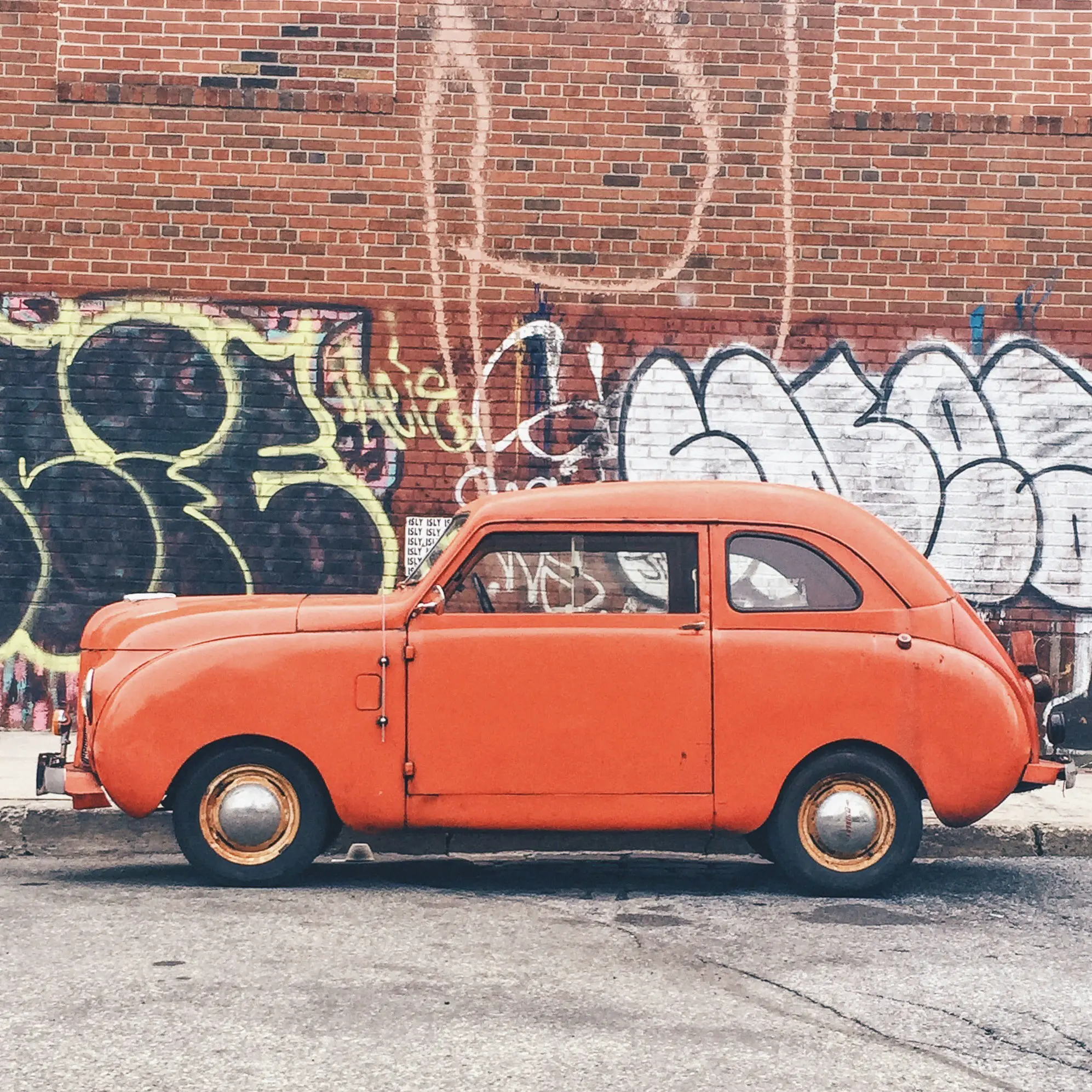
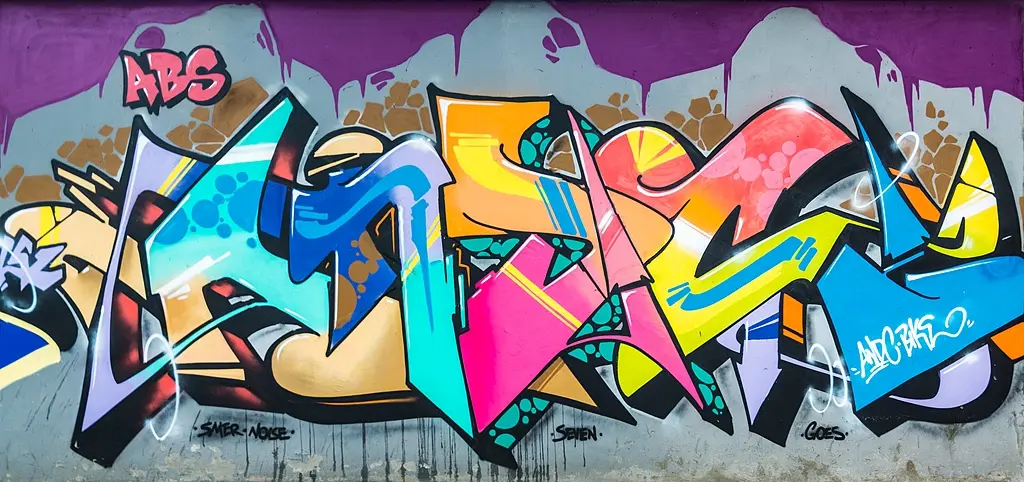
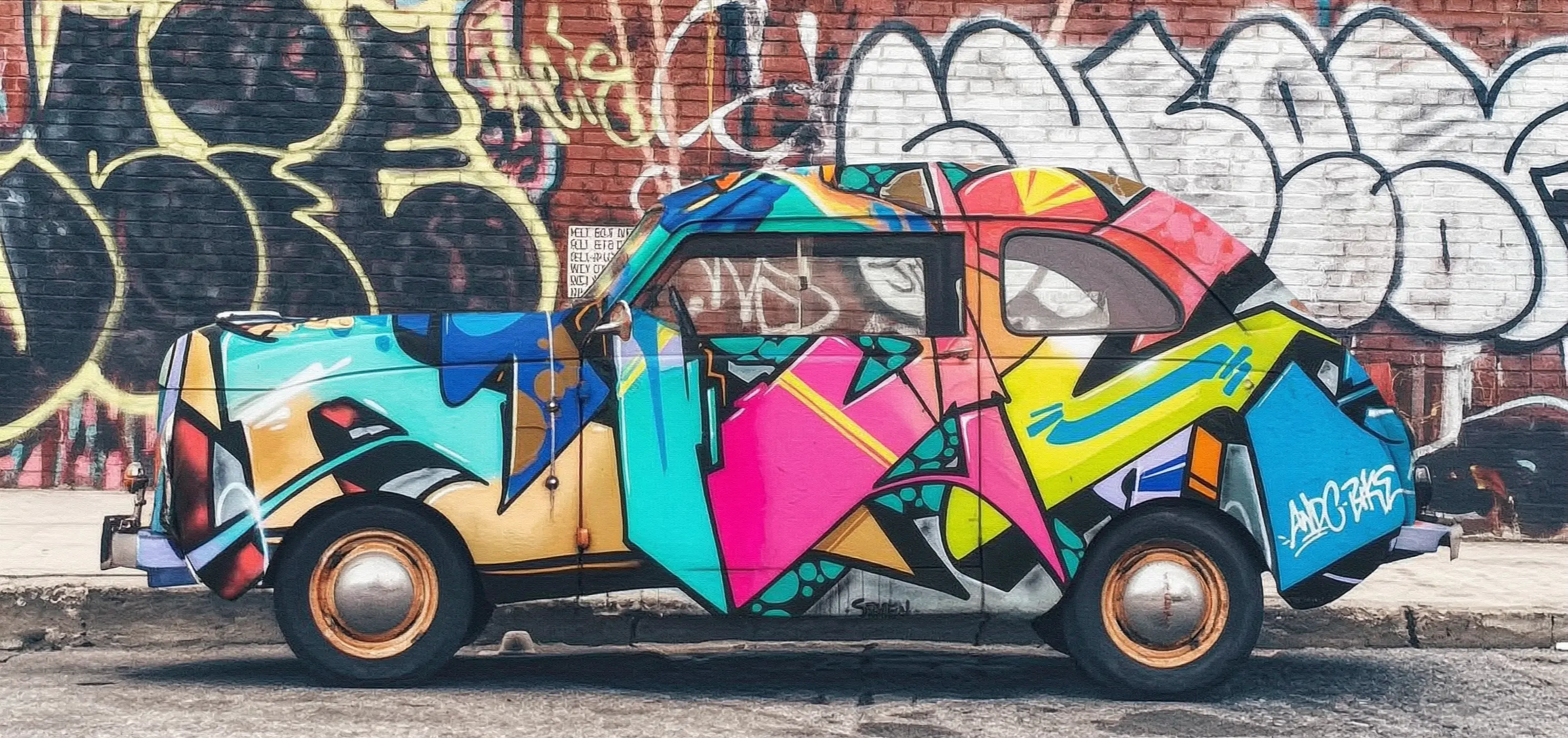
For multi-image input, the order of the images is defined by their sequence in the array. Therefore, the image numbers referenced in the prompt must correspond to the order in the image array. For example, the first image in the array is "image 1", the second is "image 2", or you can use markers such as "[Image 1]" and "[Image 2]".
Input imagesOutput images
Image 1
Image 1
Image 2
Image 2
Output 1
Prompt: Move image 1 onto image 2
Output 2
Prompt: Move image 2 onto image 1

Image input methods

This model supports the following three methods for passing images:

Method 1: Public URL

  • Provide a publicly accessible image URL that supports the HTTP or HTTPS protocol.
  • Example value: https://xxxx/img.png.
  • Applicable scenario: The image is already hosted on Object Storage Service (OSS) or a public image hosting service.
Convert the image file to a Base64-encoded string and concatenate it in the format: data:{MIME_type};base64,{base64_data}.
  • Example value: data:image/png;base64,iVBORw0KGgoAAAANSUhEUgAABDg...... (This is only a snippet due to length limitations.) When calling the API, you must pass the complete string.
  • base64_data: Represents the Base64-encoded string of the image file.
  • MIME_type: Represents the media type of the image, which must correspond to the file format.
    Image formatMIME type
    JPEGimage/jpeg
    JPGimage/jpeg
    PNGimage/png
    BMPimage/bmp
    WEBPimage/webp
  • Applicable scenario: Suitable for private images or scenarios that require encrypted transmission.
import os
import base64
import mimetypes

# The format is data:{mime_type};base64,{base64_data}
def encode_file(file_path):
  mime_type, _ = mimetypes.guess_type(file_path)
  with open(file_path, "rb") as image_file:
    encoded_string = base64.b64encode(image_file.read()).decode('utf-8')
  return f"data:{mime_type};base64,{encoded_string}"


# Call the encoding function. Replace "/path/to/your/image.png" with the path to your local image file, otherwise it will not run.
image = encode_file("/path/to/your/image.png")
  • Python SDK: Supports passing both absolute and relative paths of files. The file path rules are as follows:
    SystemPassed file pathExample (absolute path)Example (relative path)
    Linux or macOSfile://<absolute or relative path of the file>file:///home/images/test.pngfile://./images/test.png
    Windowsfile://<absolute or relative path of the file>file://D:/images/test.pngfile://./images/test.png
  • Java SDK: Supports passing only the absolute path of files. The file path rules are as follows:
    SystemPassed file pathExample (absolute path)
    Linux or macOSfile://<absolute path of the file>file:///home/images/test.png
    Windowsfile:///<absolute path of the file>file:///D:/images/test.png
  • Applicable scenario: Suitable for quick testing in a local development environment.

Optional parameters

These models provide several optional parameters to adjust the image generation effect:
  • size: Specifies the output image resolution. The format and defaults vary by model: Wan2.7: Defaults to 2K. Use preset keywords 1K, 2K, or 4K (recommended), or specify a width*height value in pixels. 4K is only available for wan2.7-image-pro in text-to-image mode (no image input, sequential mode disabled). Pixel range: 768*768 to 2048*2048 for editing, up to 4096*4096 for text-to-image (pro only). Aspect ratio: 1:8 to 8:1. Wan2.6: Default 1K. Use 1K or 2K, or specify width*height. Pixel range: 768*768 to 2048*2048 (editing mode). Aspect ratio: 1:4 to 4:1. Wan2.5: Defaults to 1280*1280. Use the width*height format only. Total pixels: 589,824 (768*768) to 1,638,400 (1280*1280). Aspect ratio: 1:4 to 4:1.
    If you do not specify size, the output preserves an aspect ratio similar to the input image:
    • For single-image input, the aspect ratio matches the input image.
    • For multi-image input, the aspect ratio matches the last image in the array.
  • n: Sets the number of output images. Range: 1-4, default 4. For Wan2.7 with enable_sequential=true, the range extends to 1-12 (default 12). We recommend setting it to 1 for testing.
  • negative_prompt (Wan2.5 and Wan2.6 only): A negative prompt describes content that you do not want to appear in the image, such as "blurry" or "extra fingers". Max 500 characters.
  • watermark: Specifies whether to add a watermark. The watermark is located in the lower-right corner of the image, saying "AI-generated". The default is false, which means no watermark is added.
  • prompt_extend (Wan2.5 and Wan2.6 only): Enables smart prompt rewriting. When enabled, the model enhances your prompt for better results, at the cost of longer processing time. Default: true.
  • seed: A random number seed. The value must be within the range of [0, 2147483647]. If you do not provide a seed, the algorithm automatically generates a random number to use. To keep the generated content relatively consistent, use the same seed value for each request.
    Because model generation is probabilistic, using the same seed does not guarantee that the results will be identical every time.

Wan2.7-only parameters

The following parameters are available only for Wan2.7 models (wan2.7-image-pro, wan2.7-image):
  • thinking_mode: Enables thinking mode for enhanced inference and image quality. Increases the generation time. Defaults to true. Only effective when the sequential mode is disabled and there is no image input.
  • enable_sequential: Enables image set output mode for generating character-consistent multi-image sets. Default: false. When enabled, the n parameter range extends to 1-12 (default 12).
  • bbox_list: Specifies bounding boxes for interactive editing. Each image can have up to 2 bounding boxes. The format is a list of lists, where each inner list contains [x1, y1, x2, y2] coordinates (top-left and bottom-right corners in absolute pixels). The length of the outer list must match the number of input images. Pass [] for images that do not require region-specific editing.
  • color_palette: Applies a custom color theme. Accepts an array of 3-10 color objects, each with hex (color in hex format, e.g. #C2D1E6) and ratio (percentage, e.g. "25.00%"). The sum of all ratios must equal 100.00%. Only available when the sequential mode is disabled.

Output parameters

  • Image format: PNG.
  • Number of images: 1-4 per request. For Wan2.7 with enable_sequential=true, up to 12.
  • Image resolution: You can specify the resolution using the size input parameter. If this parameter is not specified, see the description of the size parameter above.
All output images will have the same resolution.

Examples

Multi-image fusion

Input imagesOutput image
Input images
Output image
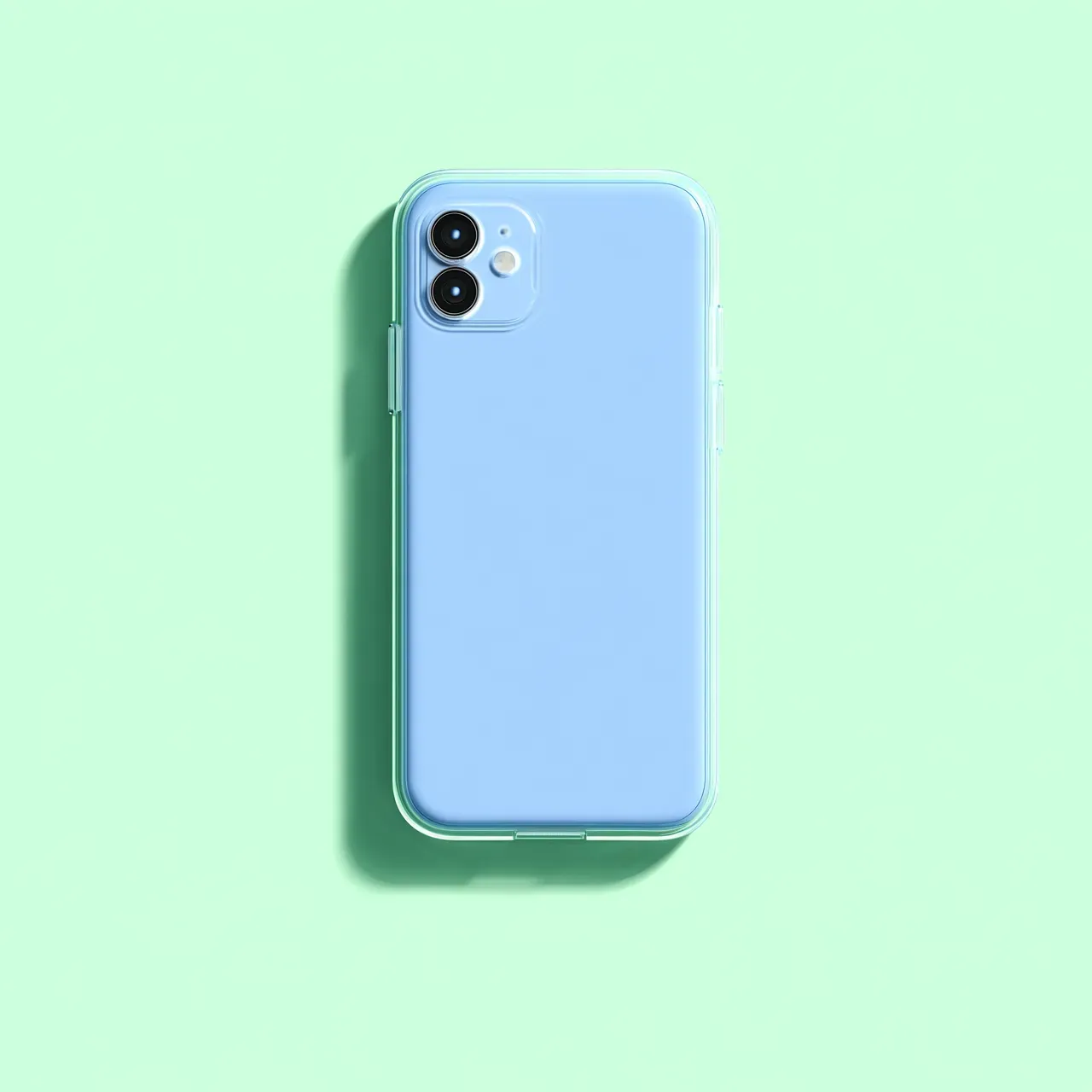
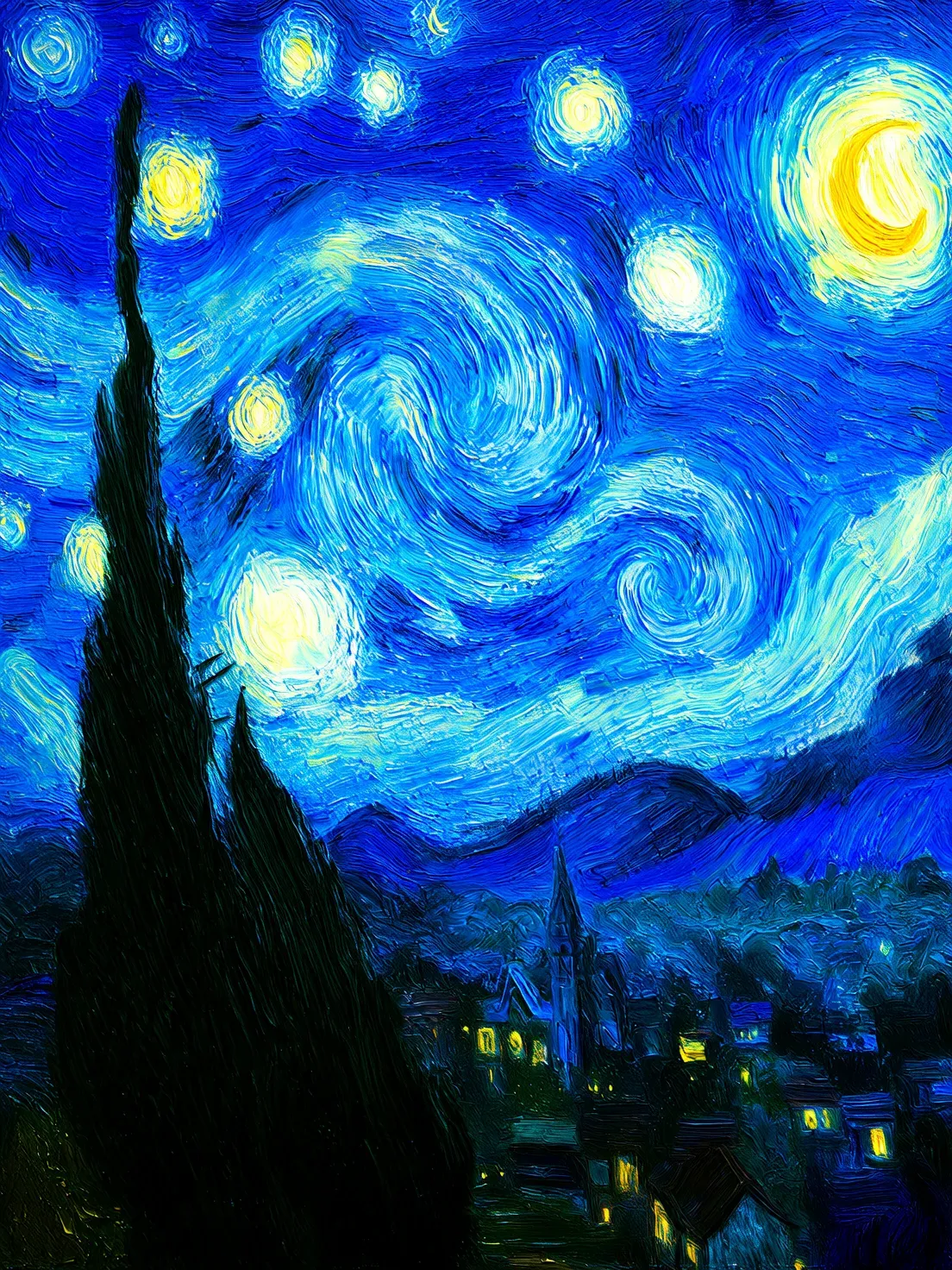
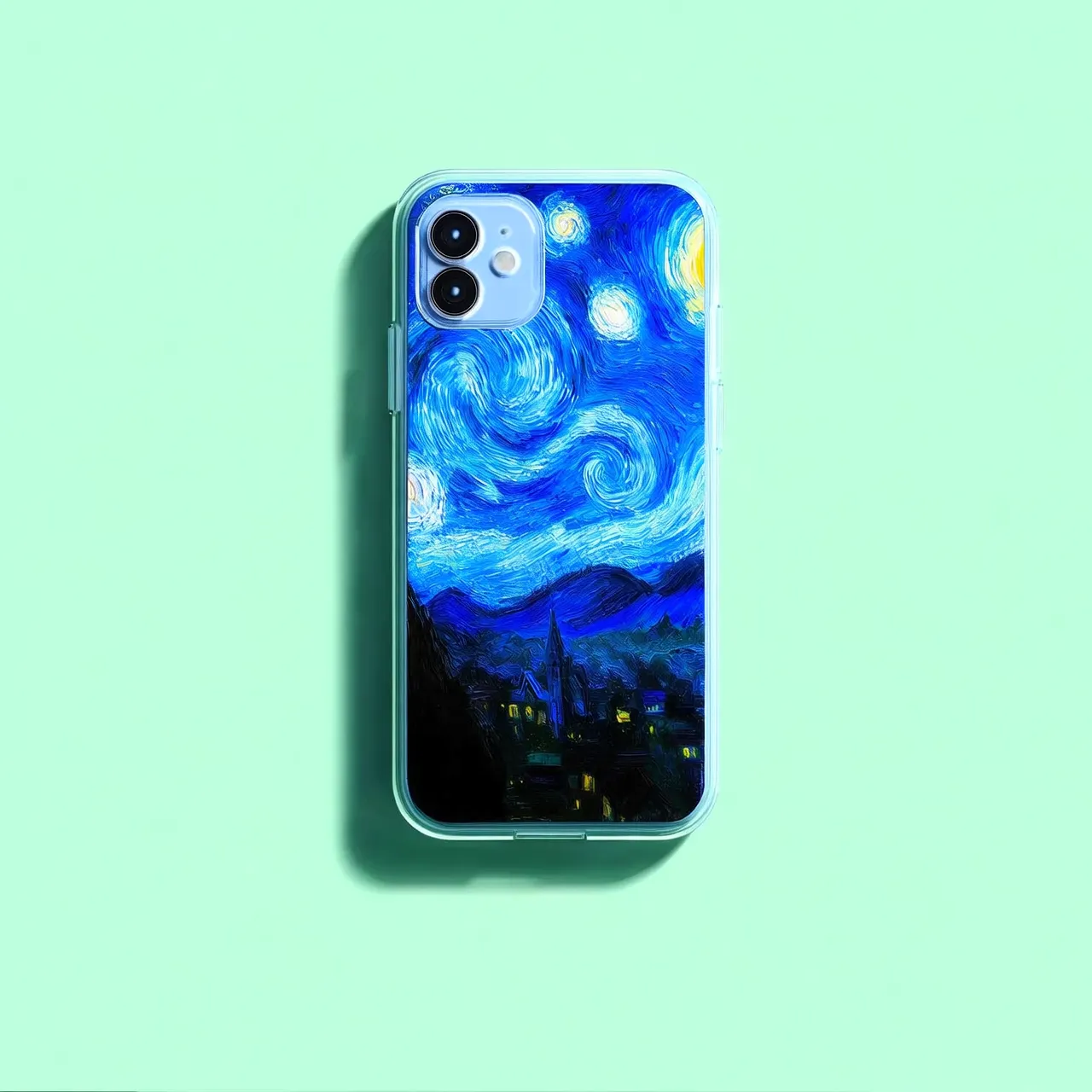
Transfer the starry night painting from image 2 onto the phone case in image 1.
Input images
Output image
Use the font and style of the text "Wan2.5" from [Image 1] as the sole reference. Keep the stroke width and curves unchanged. Precisely transfer the layered paper texture from [Image 2] to the text.
Input images
Output image
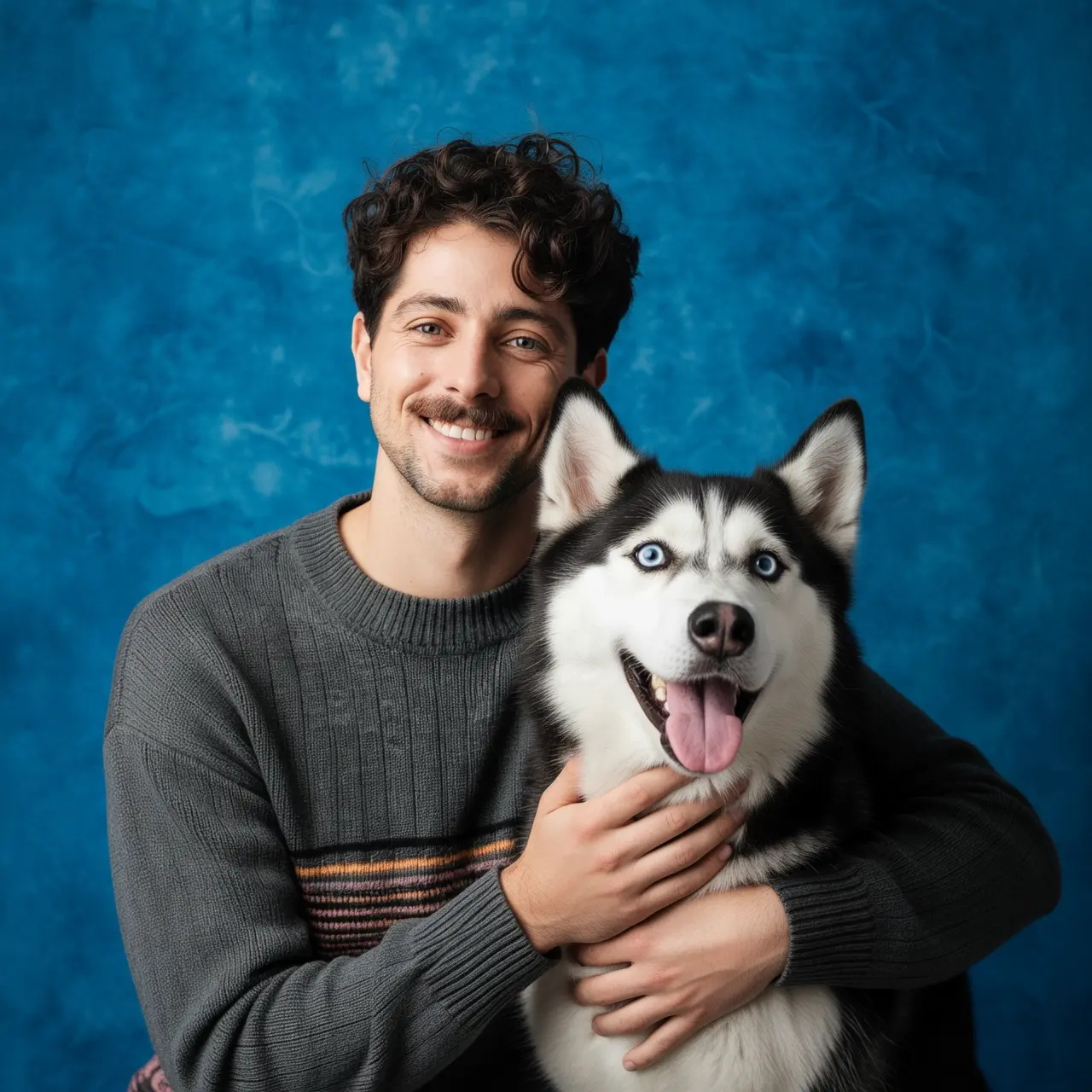
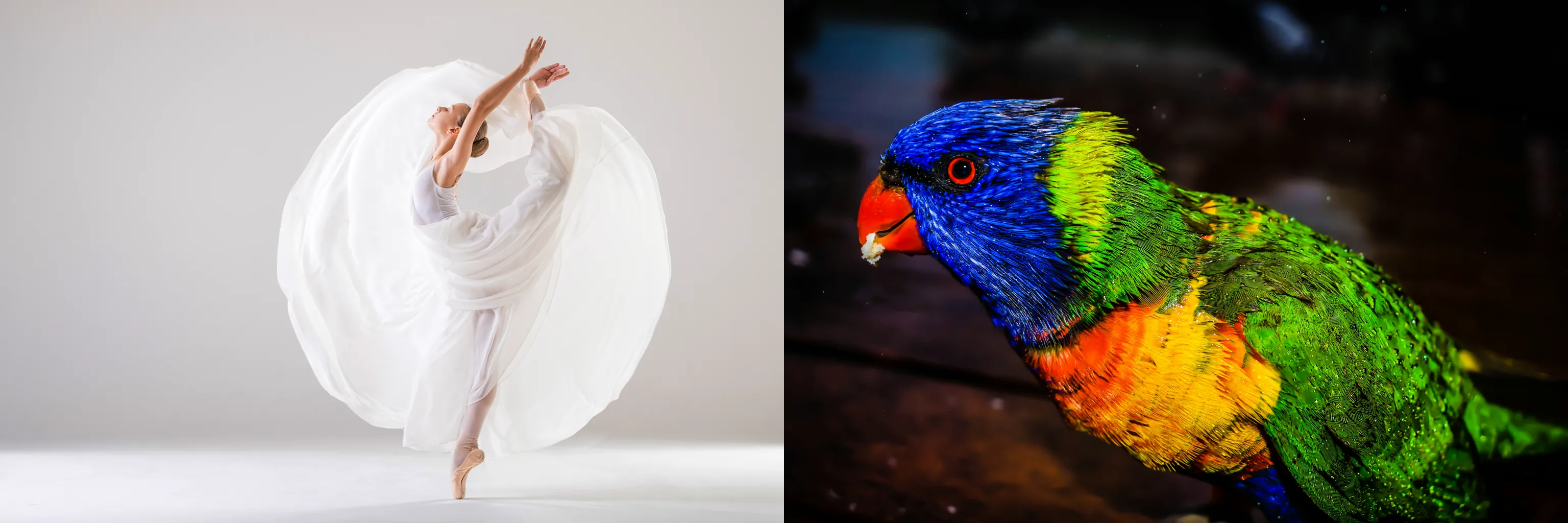
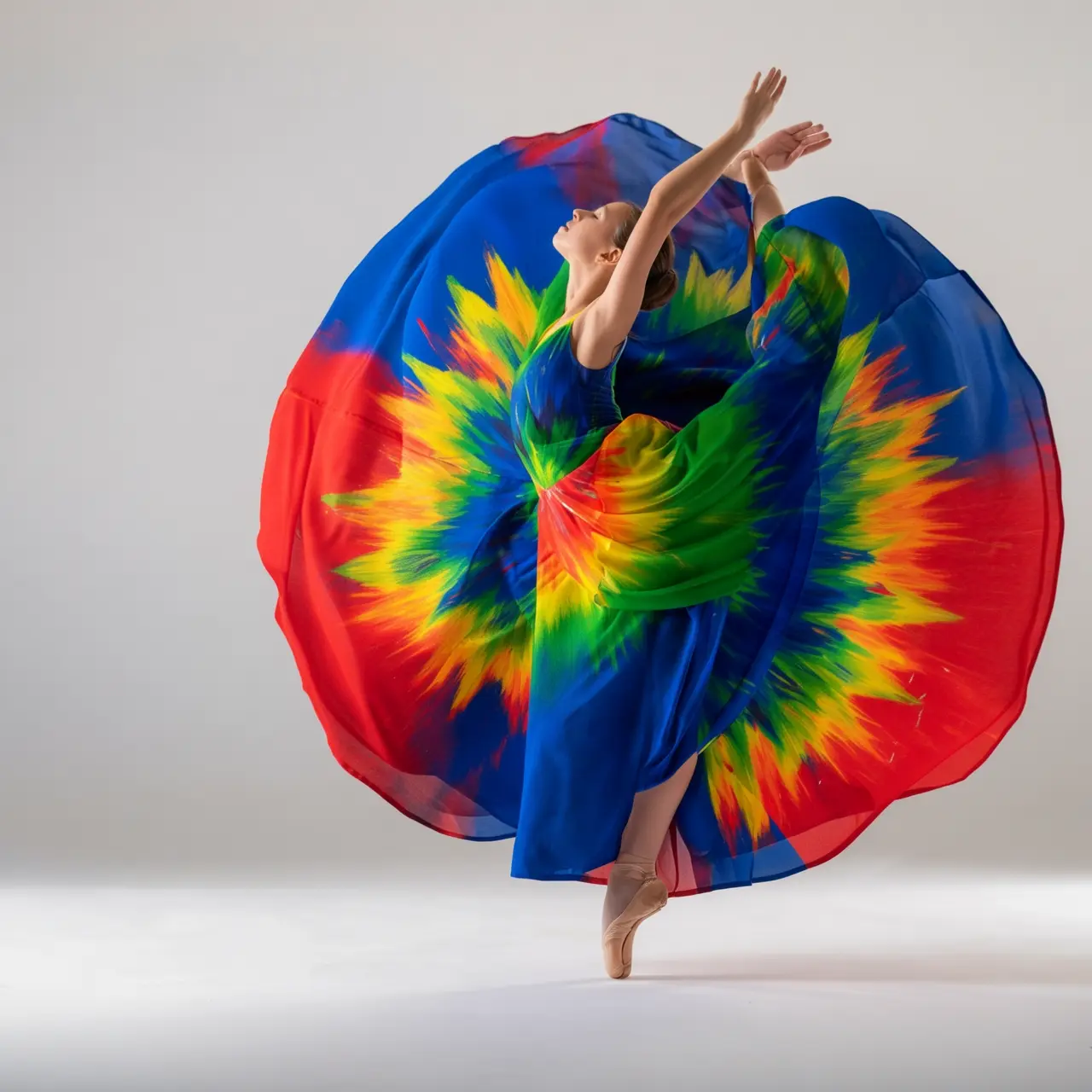
Use two reference images for targeted redrawing: Use [Image 2] as a reference for the bag's shape and structure. Use the parrot feathers in [Image 1] as a reference for color and texture. Precisely transfer the color and texture of the parrot feathers to the surface material of the bag in [Image 2].
Input images
Output image
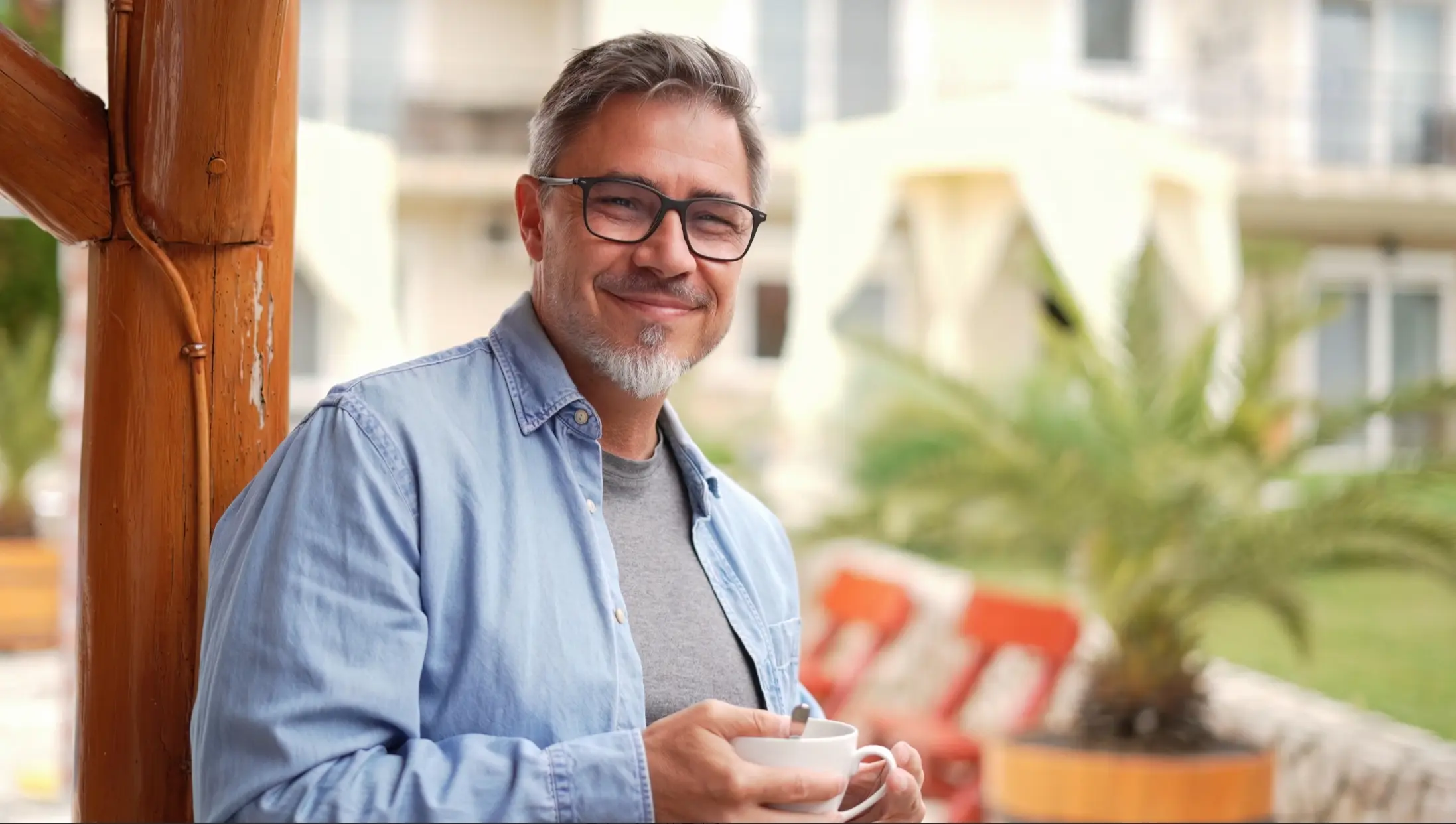
Use the composition and frosted glass texture of the business card design in [Image 1] as a template to generate a vertical work card for the person in [Image 2]. The card has rounded corners and is semi-transparent, with soft highlights and a light shadow. The person's bust is placed in the upper-middle area. The name, position, company, and phone number are arranged in the lower-left corner using a minimalist, sans-serif font with balanced white space. In the upper-right corner, place a cute 3D cartoon image of the person from [Image 1], breaking the border to semi-float out of the card and cast a light shadow, creating layers and a visual focus. The overall lighting is bright and natural, with realistic material details. Do not add any extra patterns or elements.

Image understanding

Object detection and localization

Detects specified objects in an image and outputs an image with bounding boxes and labels.
Input imageOutput image
Input image
Output image
Detect the sunflowers and pumpkins in the image. Draw bounding boxes and add labels.

Instance segmentation

The model generates a unique color region for each individual object in the image, showing its complete outline. For example, the purple area in the output image represents the segmented headphone instance.
Input imageOutput image
Input image
Output image
Segment the headphones in the image.

Subject feature preservation

Input imageOutput image
Input image
Output image
Generate a highly detailed photo of a girl cosplaying this illustration, at Comiket. It must be a real person cosplaying. Exactly replicate the same pose, body posture, hand gestures, facial expression, and camera framing as in the original illustration. Keep the same angle, perspective, and composition, without any deviation.
Input image
Output image
Generate three instances of the person from the photo in an office scene. One is sitting at a desk working. Another is standing and drinking coffee. The third is leaning against the desk reading a book.
Input image
Output image
Generate a four-panel image set from this photo. In the first panel, the girl faces the camera. In the second, she raises her right hand to brush her hair. In the third, she waves enthusiastically to the camera. In the fourth, she looks down at the table and smiles.

Modification and upscaling

FeatureInput imageOutput image
Modify element
Input image
Output image
Change the floral dress to a vintage-style lace long dress with exquisite embroidery details on the collar and cuffs.
Modify lighting
Input image
Output image
Add small, sparkling highlights to the surface of the starfish to make it glow against the sunset background.
Upscale subject element
Input image
Output image
Enlarge the cow in the image.
Upscale image details
Input image
Output image
Zoom in and show the branch the parrot is perched on.

Element extraction

Input imageOutput image
Input image
Output image
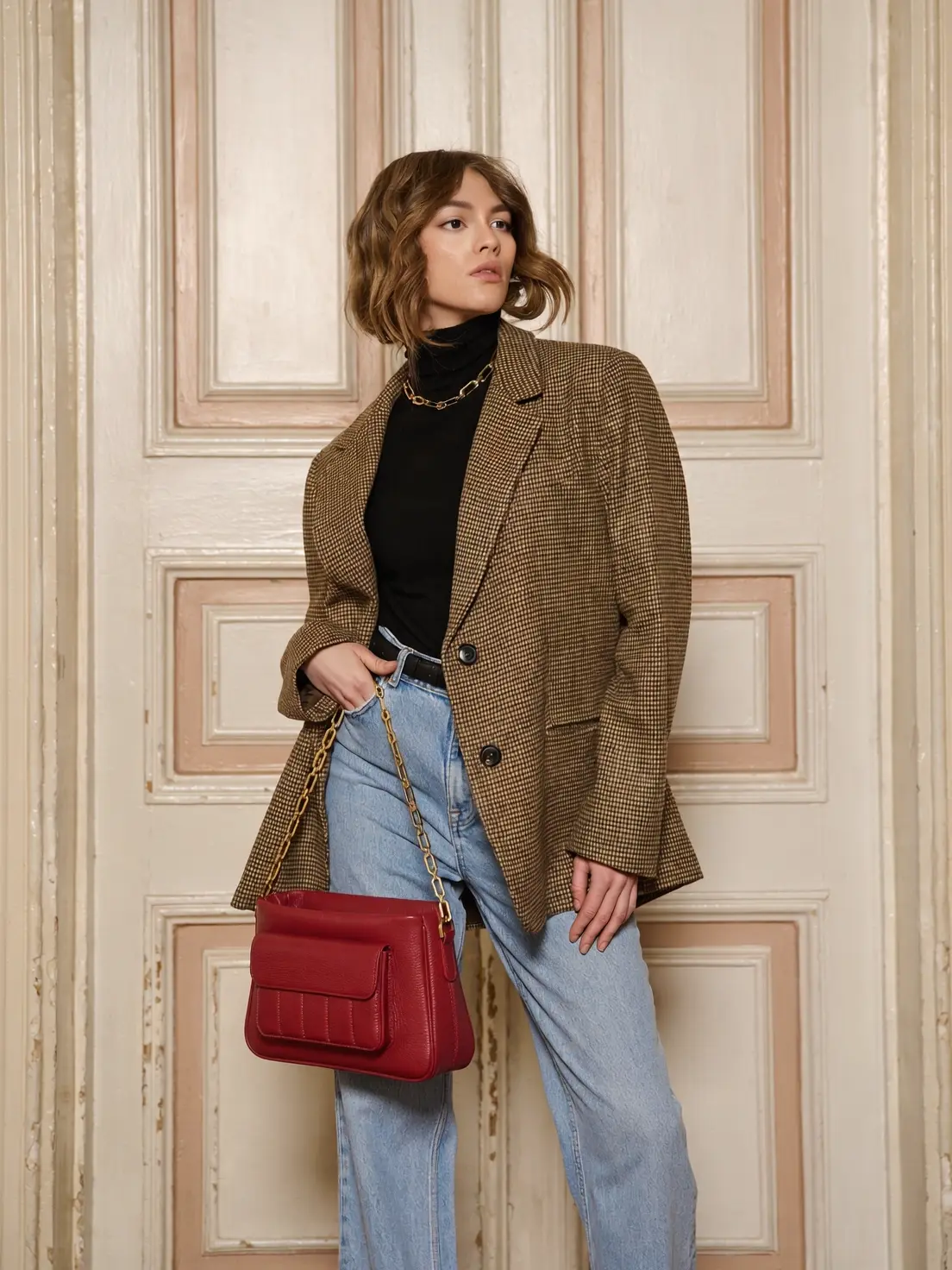
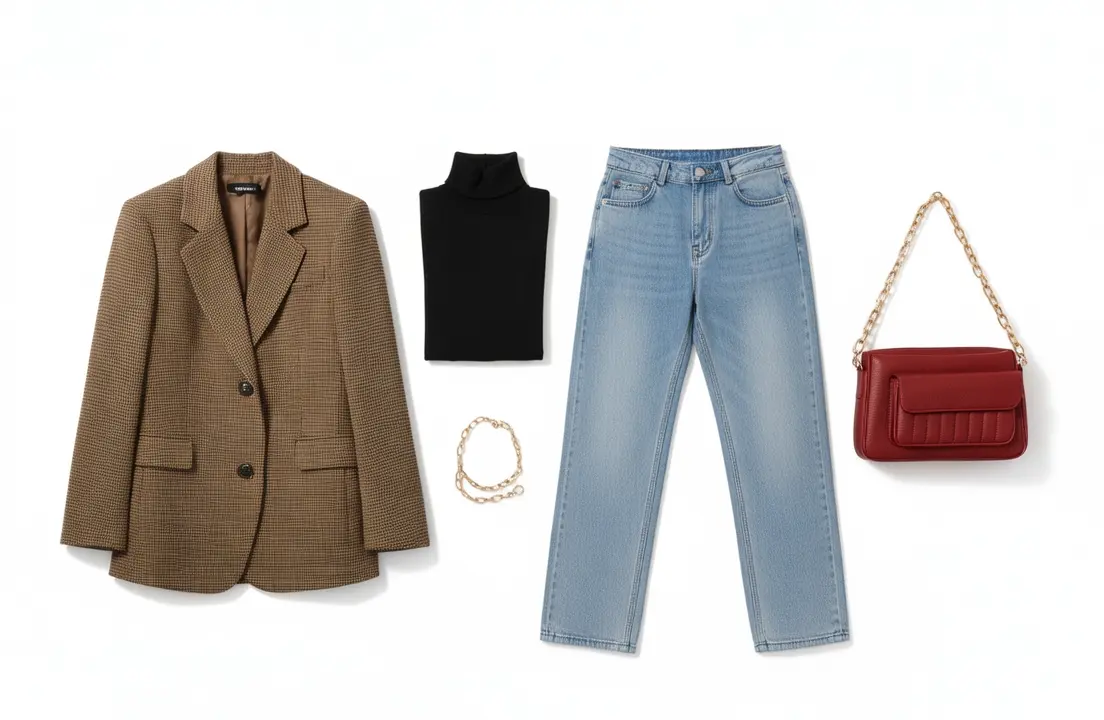
Extract all the clothing items worn by the person in the image. Arrange them neatly on a white background.

Sketch-to-image generation

Input imageOutput image
Input image
Output image
Generate a new real image based on this sketch, a charming Mediterranean village scene with rustic stone buildings featuring terracotta roofs, wooden shutters, and balconies adorned with hanging laundry. The foreground is filled with lush greenery, including climbing vines and blooming flowers, creating a vibrant and lively atmosphere. The architecture showcases intricate details like arched doorways and patterned stonework, evoking a sense of history and warmth. A bright, sunny day with clear blue skies, casting soft shadows across the cobblestone streets and enhancing the warm tones of the buildings. In the background, rolling hills and distant mountains provide a picturesque setting, adding depth and serenity to the scene.

Text generation

Input imageOutput image
Input image
Output image
Add the title "Macro Photography" in a large, rounded, white font to the upper-left corner of the image. Below the title, add the subtitle "Hard Work Pays Off" in a smaller, light green font.

Watermark removal

Input imageOutput image
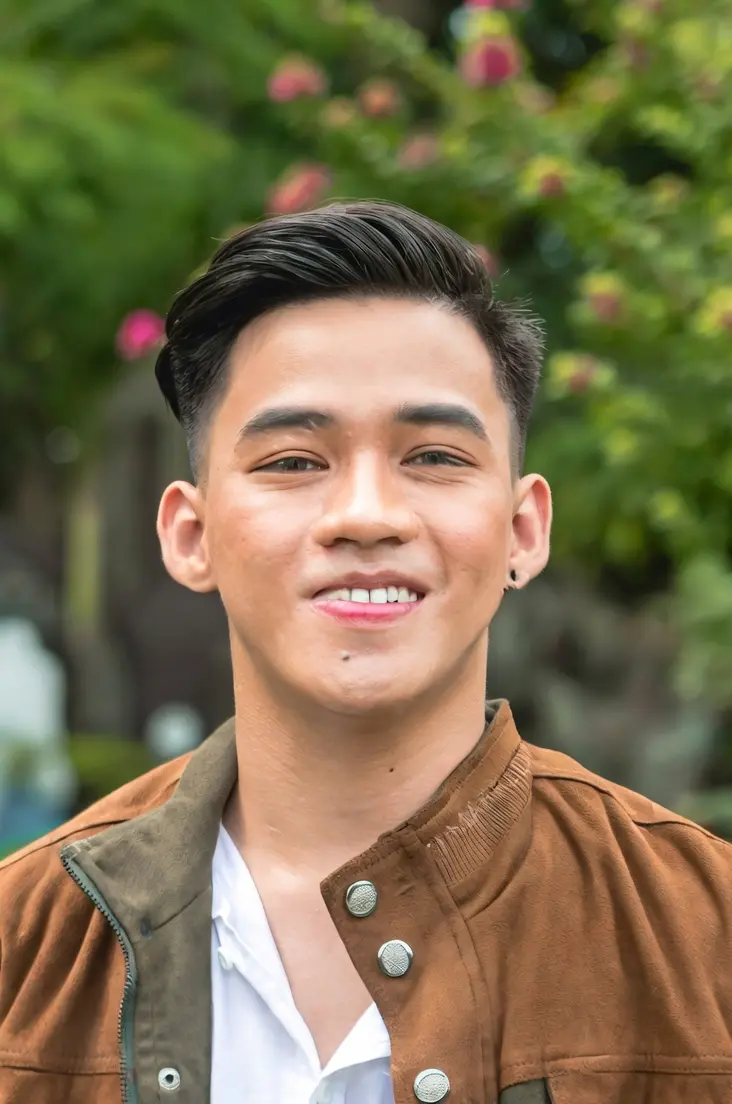
Input image
Output image
Remove all text from the upper-left corner.

Outpainting

Input imageOutput image
Input image
Output image
Outpaint the image to generate a long shot photo.

Billing and rate limits

  • For free quotas and unit prices, see Models and pricing.
  • For rate limits, see Rate limits.
  • Billing description:
    • Billing is based on the number of successfully generated images. You are charged only when the API returns a task_status of SUCCEEDED and an image is successfully generated.
    • Failed model calls or processing errors do not incur any fees and do not consume your free quota.

Limitations

  • Data retention: Task IDs and image URLs expire after 24 hours.
  • Content moderation: All inputs and outputs are automatically moderated. Non-compliant content triggers IPInfringementSuspect or DataInspectionFailed errors — see Error codes.

API reference

FAQ

Q: What is the difference between Wan2.6 and Wan2.7 for image editing? Both use the same API pattern (ImageGeneration class with messages). To switch between them, change the model name (wan2.6-image vs wan2.7-image-pro / wan2.7-image). Wan2.7 adds additional parameters like thinking_mode, bbox_list, and enable_sequential. Q: I was using wan2.5-i2i-preview. If I switch to wan2.7-image-pro, do I need to change how I call the SDK? Yes. The API design is different:
  • wan2.5: Uses the ImageSynthesis class with prompt and images parameters.
  • wan2.7: Uses the ImageGeneration class with a messages array. Images and text are passed together in the content array. See the example code above for details.
Q: I was using the Wan2.1 general image editing. If I switch to wan2.5, do I need to change how I call the SDK? Yes. The parameter design is different for the two versions:
  • General image editing: Requires both the prompt and function parameters.
  • General image editing 2.5: Only requires the prompt parameter. Describe all editing operations through text instructions. The function parameter is no longer supported or required.